Match the look of any picture
Show a photo whose color and light you love, or describe a style. Afterlux matches it on your own photo, region by region, as edits you can still adjust.
Free while in beta. No account needed.
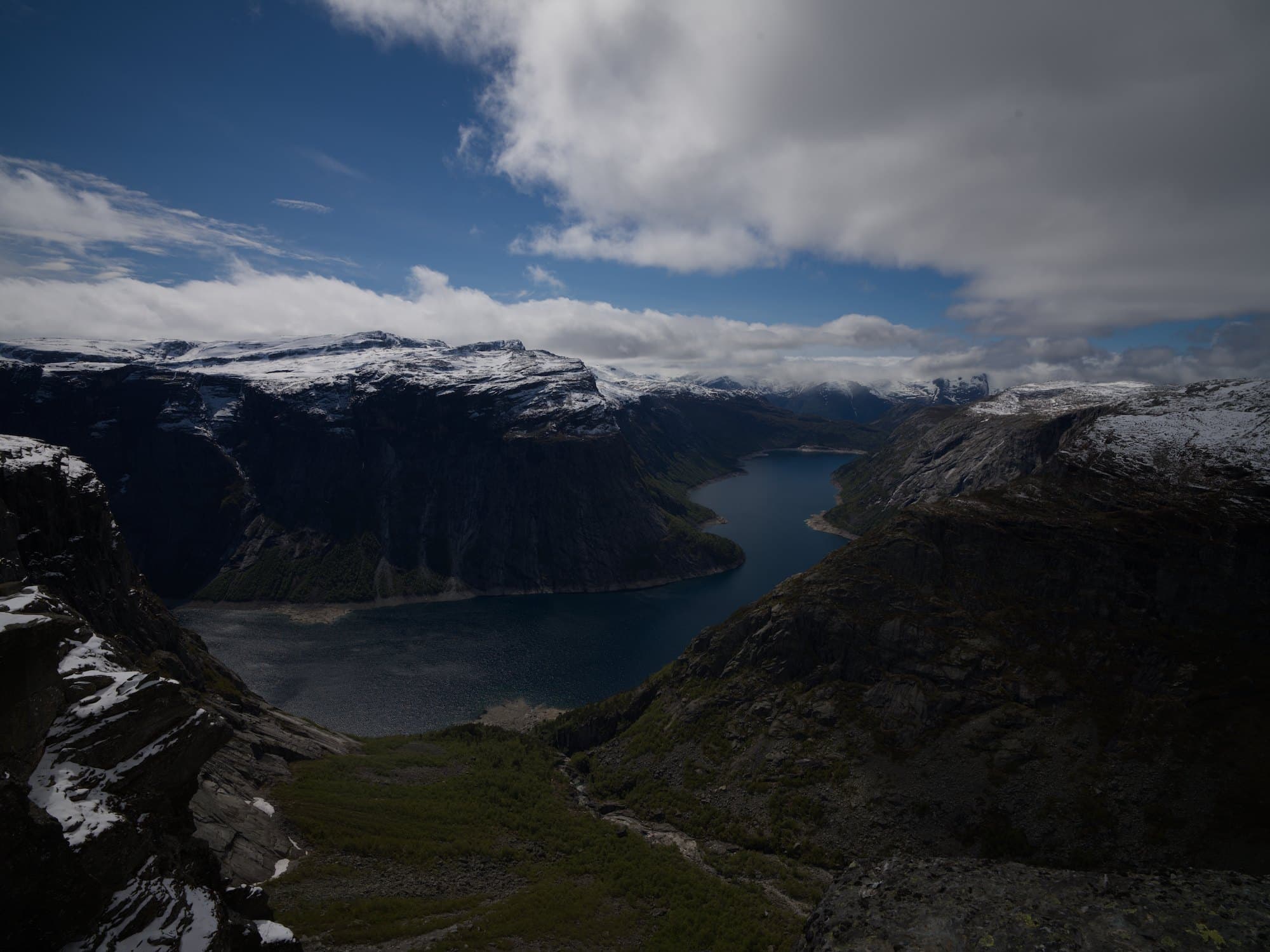
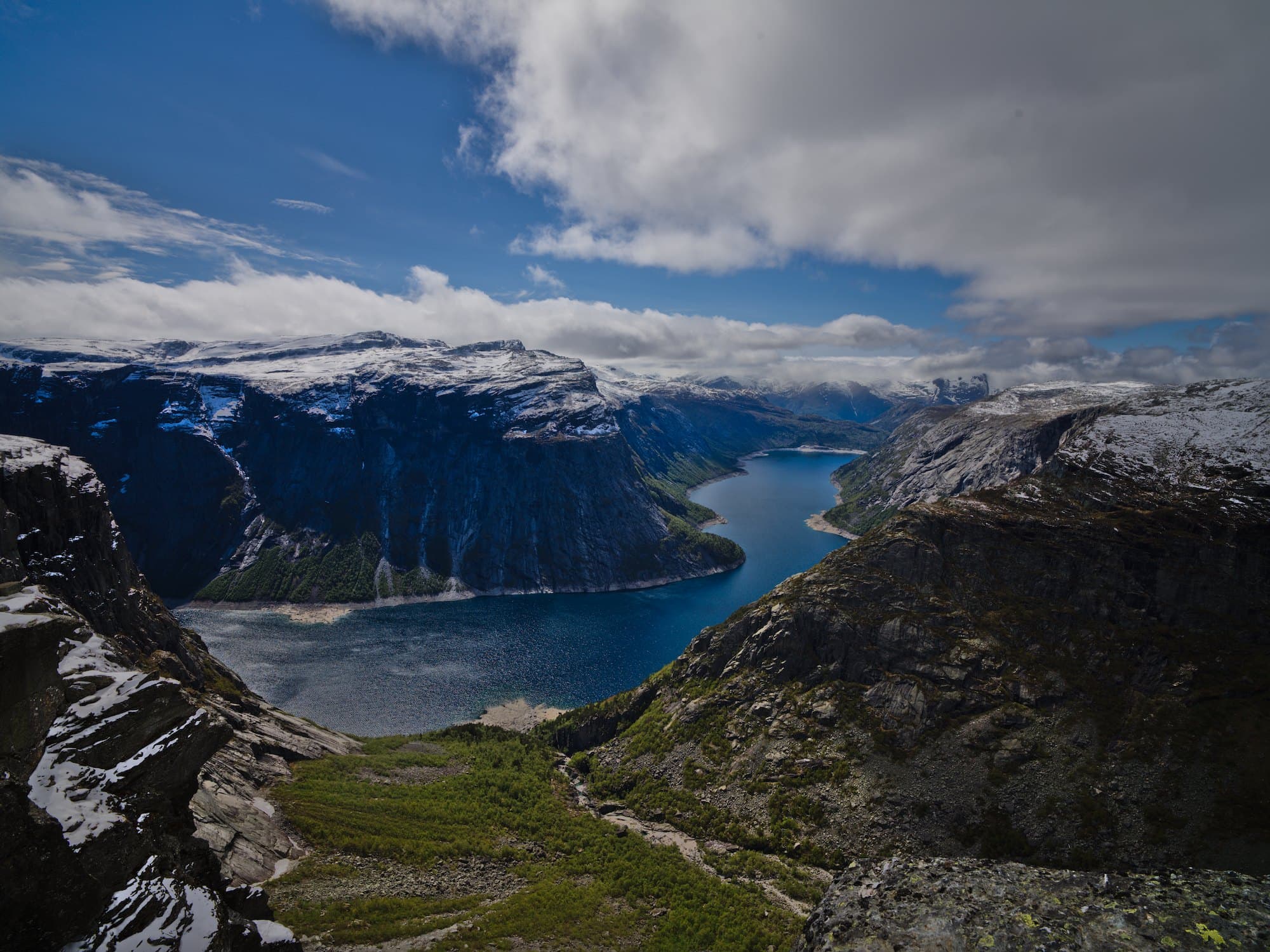
Make it look like this
- Colors matched to the reference
- Sky and sea matched on their own
- Strength 85%
Gave the old town the reference’s blue-hour colors: a deep blue sky, and warm light left on the roofs.
How it works
- 1
Open your photo
A RAW file or a JPEG, straight from the camera or already edited.
- 2
Add a reference
Upload any picture, or describe a look such as “blue hour, quiet and cool”, and Afterlux paints a reference to match from.
- 3
Tune the match
Set how strongly the reference applies, or change any color of the photo’s palette by hand.
Region by region
Sky is matched to sky and shadows to shadows, not one filter laid over the whole picture.
Edits, not a filter
The match is made of darktable modules, a color table, tones and masks, that you can open and change.
From words too
No reference at hand? Describe the look: Afterlux draws one first and shows it to you before matching.
Questions
- What can I use as a reference?
- Any picture: a photo, a film still, a painting. Use pictures you have the right to use.
- Does it copy what is in the reference?
- No, only its color and light. Your photo keeps its own subject and composition.
- Can I undo the match?
- Yes. It is one step in the history: undo it, or lower its strength.
More with Afterlux
Say it, and it edits
Ask in your own words. The assistant explains each step and works with real sliders, so every change stays yours to adjust.
Relight after the shot
Add a light where there was none. Afterlux reads the shape of the scene and lights it from where you point.
Remove distractions
Tap what does not belong and it is drawn over with what lay behind it.