The AI RAW editor that moves real sliders
Say what you want in your own words. The assistant looks at your photo, adjusts exposure, tones and color one step at a time, and tells you why. Every change stays a slider you can move.
Free while in beta. No account needed.
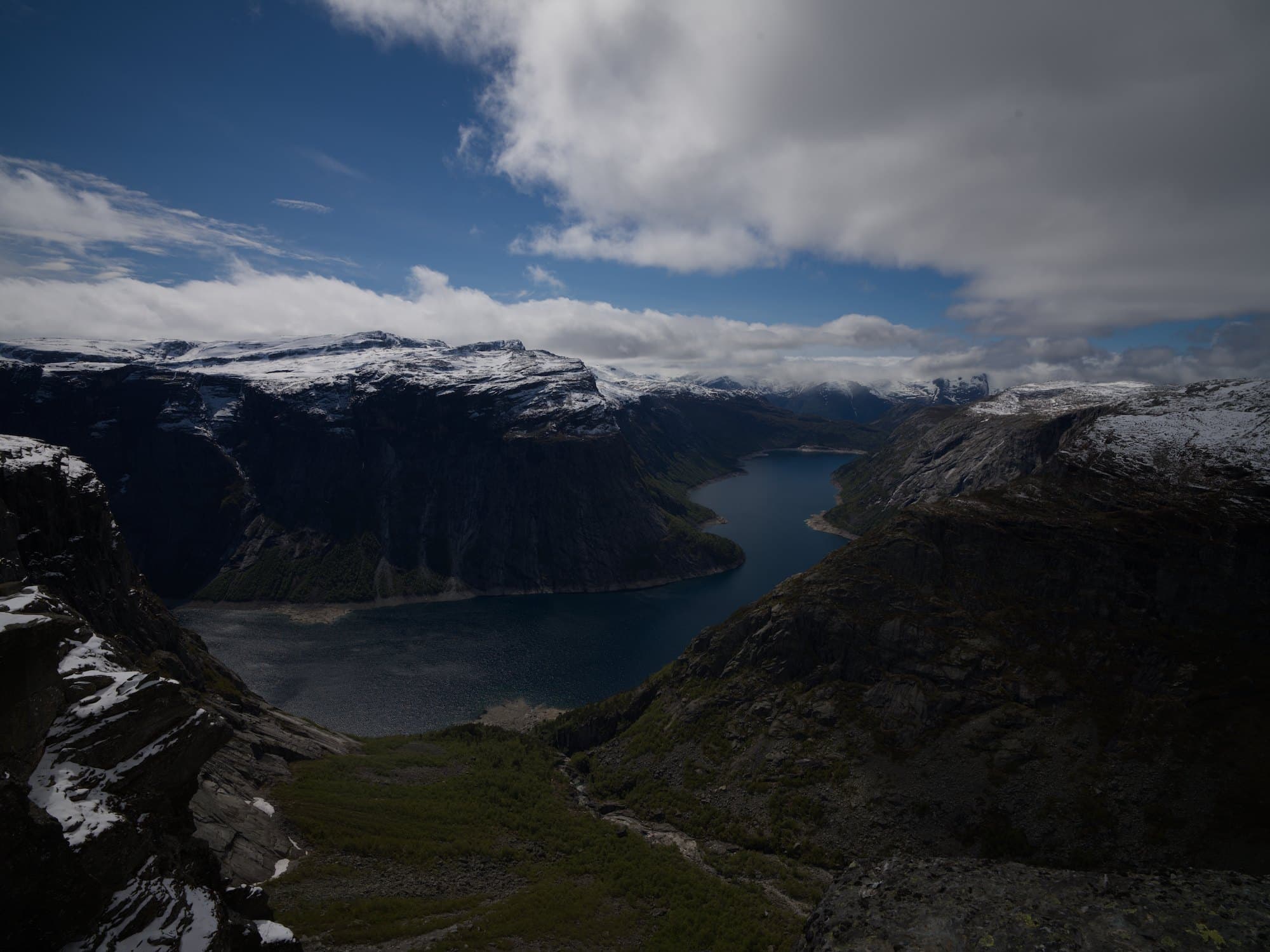
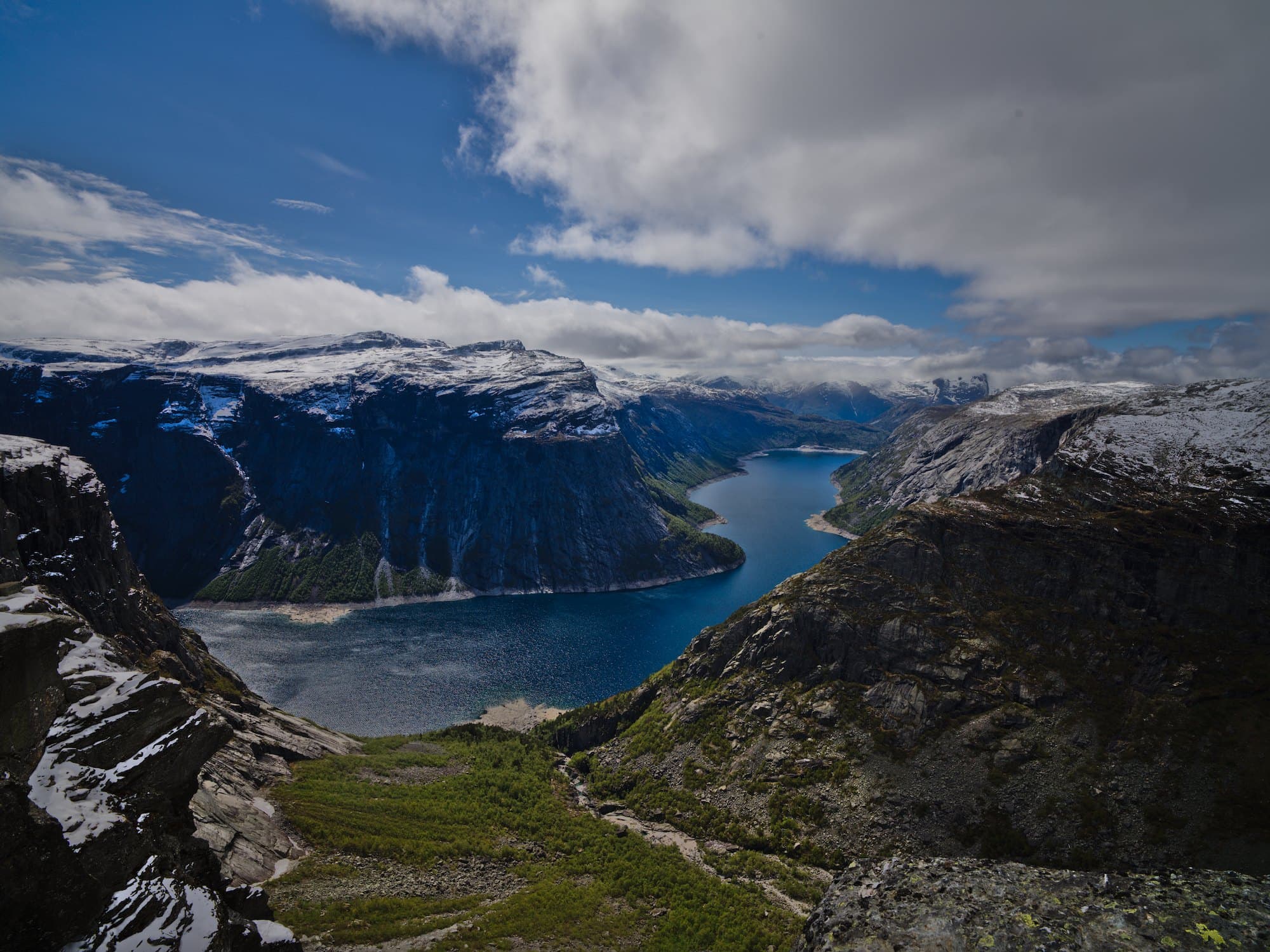
Bring out the valley in the shadows, and make the colors richer
- Exposure +0.85 EV
- Shadows +70, highlights −50
- Contrast +16%, vibrance +32%
Lifted the valley and the water out of the shadows, held the clouds, and gave the colors more depth.
How it works
- 1
Open a RAW photo
Drop in a file straight from your camera or phone: CR3, NEF, ARW, RAF, DNG and most other RAW formats, or a JPEG or HEIC. Nothing to install.
- 2
Say what you want
“Brighter faces”, “a calmer sky”, “like an old film photo”. The assistant reads the photo and turns your words into edits.
- 3
Take over any time
Each step is a slider in the panel. Drag any of them, undo a step, or ask for more: you and the assistant work on the same edit.
Real RAW processing
Built on darktable, the open-source RAW engine: your camera’s full range, every edit applied to the raw data, nothing baked in.
It explains each step
Every answer says what changed and why, so you see what each slider does on your own photos.
Sliders for your photo
After an answer you get a few sliders named for what was done, such as “Warmth” or “Sky”, to turn the edit down or up.
Questions
- Is Afterlux free?
- Yes, while it is in beta, and you don’t need an account.
- Which files can I open?
- RAW files from most cameras and phones (Canon, Nikon, Sony, Fujifilm, Panasonic, OM System, Pentax, Leica, Hasselblad, DJI and DNG), and JPEG, PNG, TIFF and HEIC.
- Does it change my original?
- No. Edits are steps on top of the file: undo any of them, and export a copy when you are done.
- What happens to my photo?
- It is uploaded only to render and edit it, and deleted from our server about ten minutes after you leave. The assistant sees a preview, never the original file.
More with Afterlux
Match a look
Show a reference picture or describe a style; it matches the color and light on your own photo.
Relight after the shot
Add a light where there was none. Afterlux reads the shape of the scene and lights it from where you point.
Remove distractions
Tap what does not belong and it is drawn over with what lay behind it.